Nano Banana 2 Lite Image Generator
Create fast 1K image drafts and focused edits with Nano Banana 2 Lite. This workspace is built for responsive creative loops, lightweight revisions, and high-volume visual exploration.
无预览
AI 理解需求,生成图像
Draft, compare, and refine without overbuilding the brief
Nano Banana 2 Lite works best when each pass has one visible decision: subject, colour, crop, or background.
Set one visual objective
Ask for a single concrete change or a compact scene so the next output is easy to evaluate.
Choose the delivery frame
Select a ratio that matches the intended placement before creating multiple variations.
Keep the strongest direction
Use the fastest outputs to choose a concept, then move to a higher-control model only when the brief demands it.
Four ways to use a faster image pass
These materials were generated through the same Lite model configuration exposed on this page.
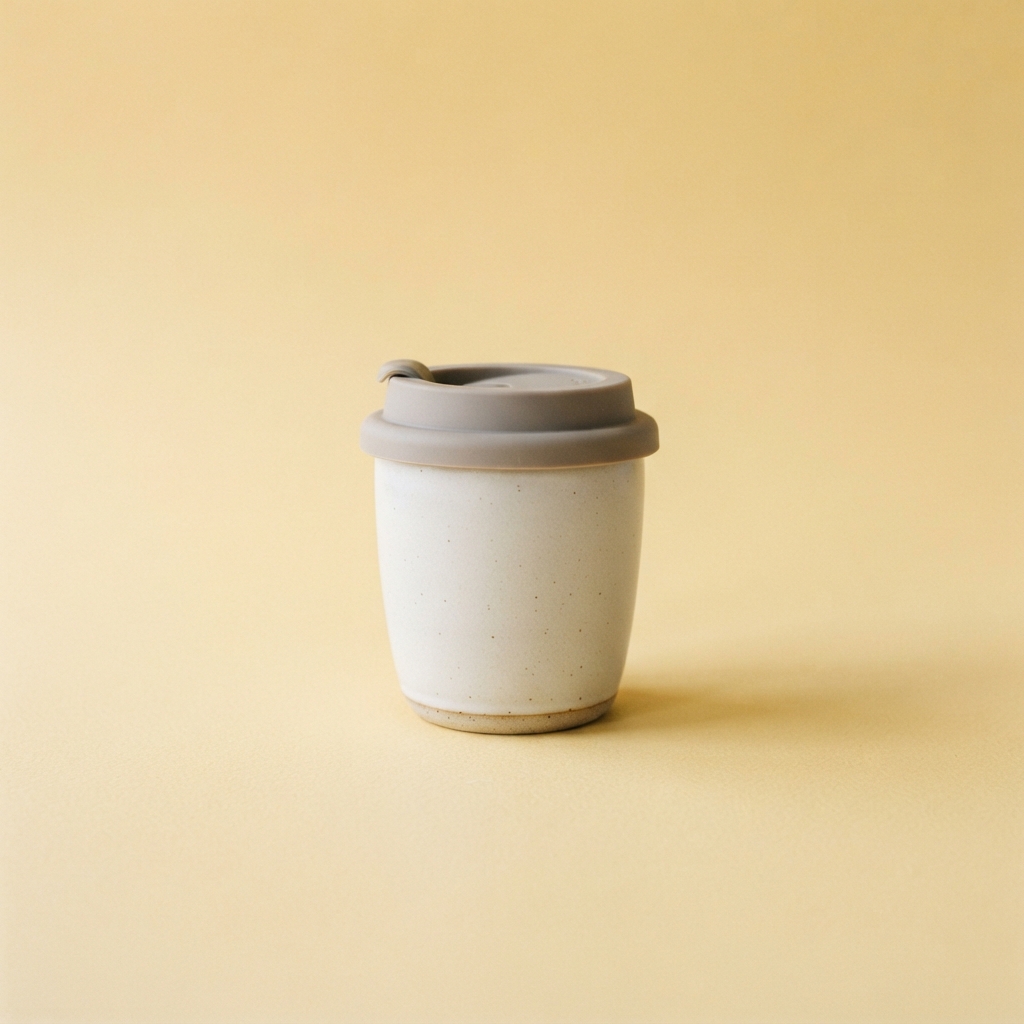
Social launch card
Start with a concise product brief and test a clean square direction.
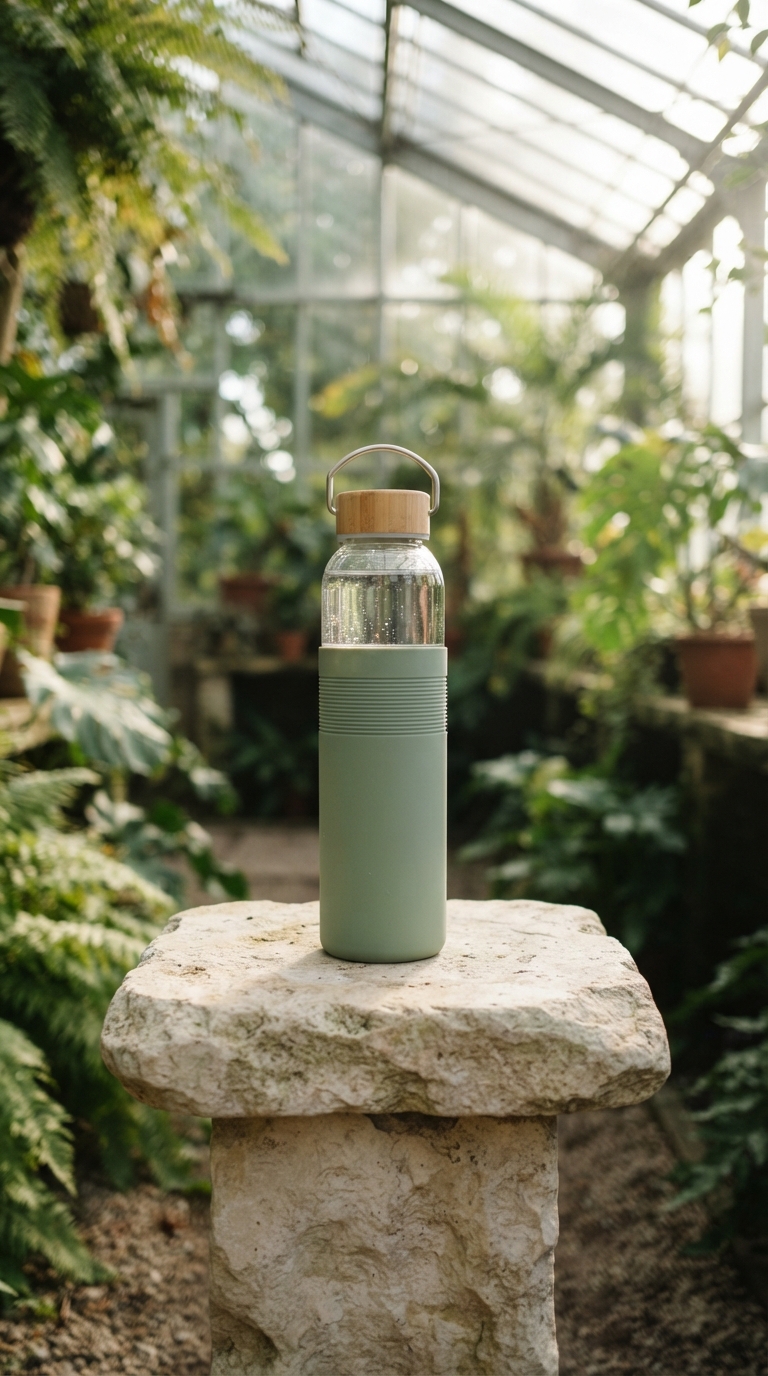
Background refresh
Use a compact scene request to explore a new setting for a familiar product.
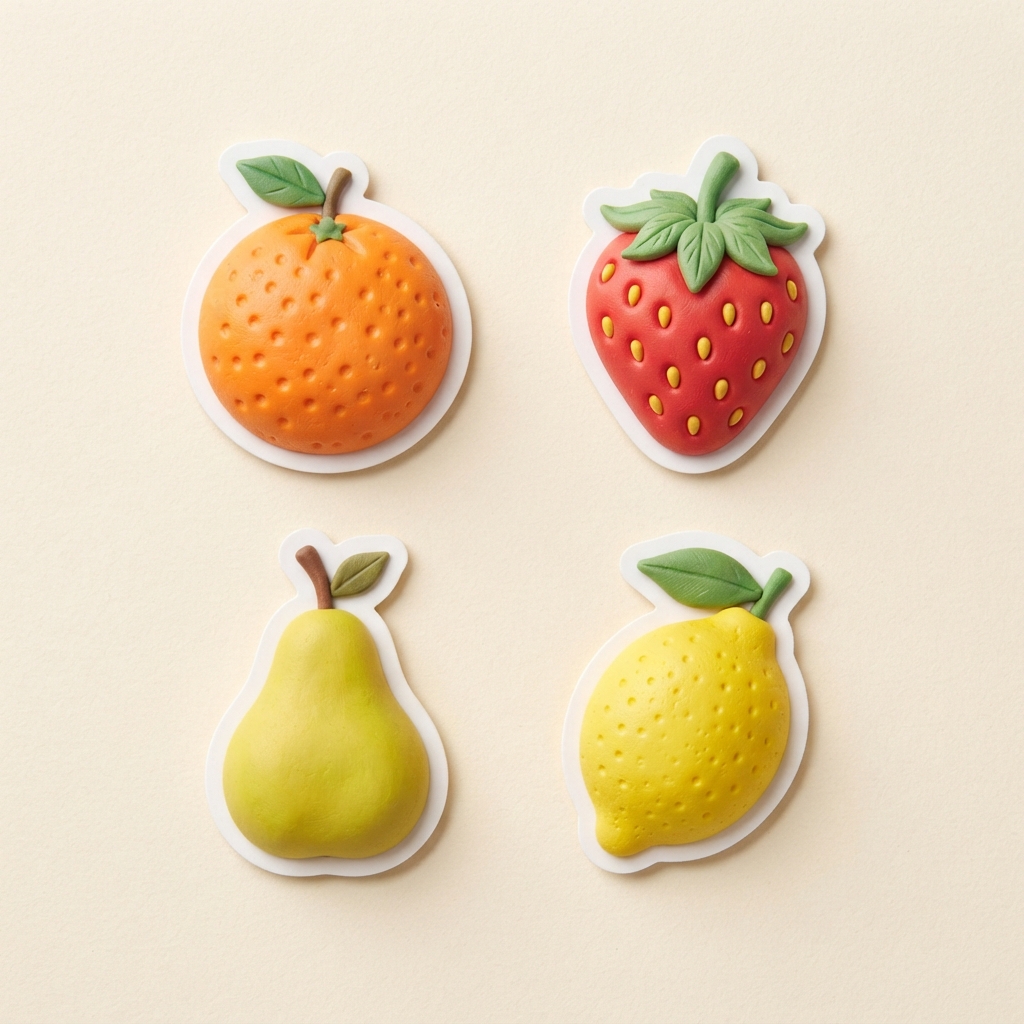
Small asset set
Generate simple, consistent visual elements for a lightweight creative system.
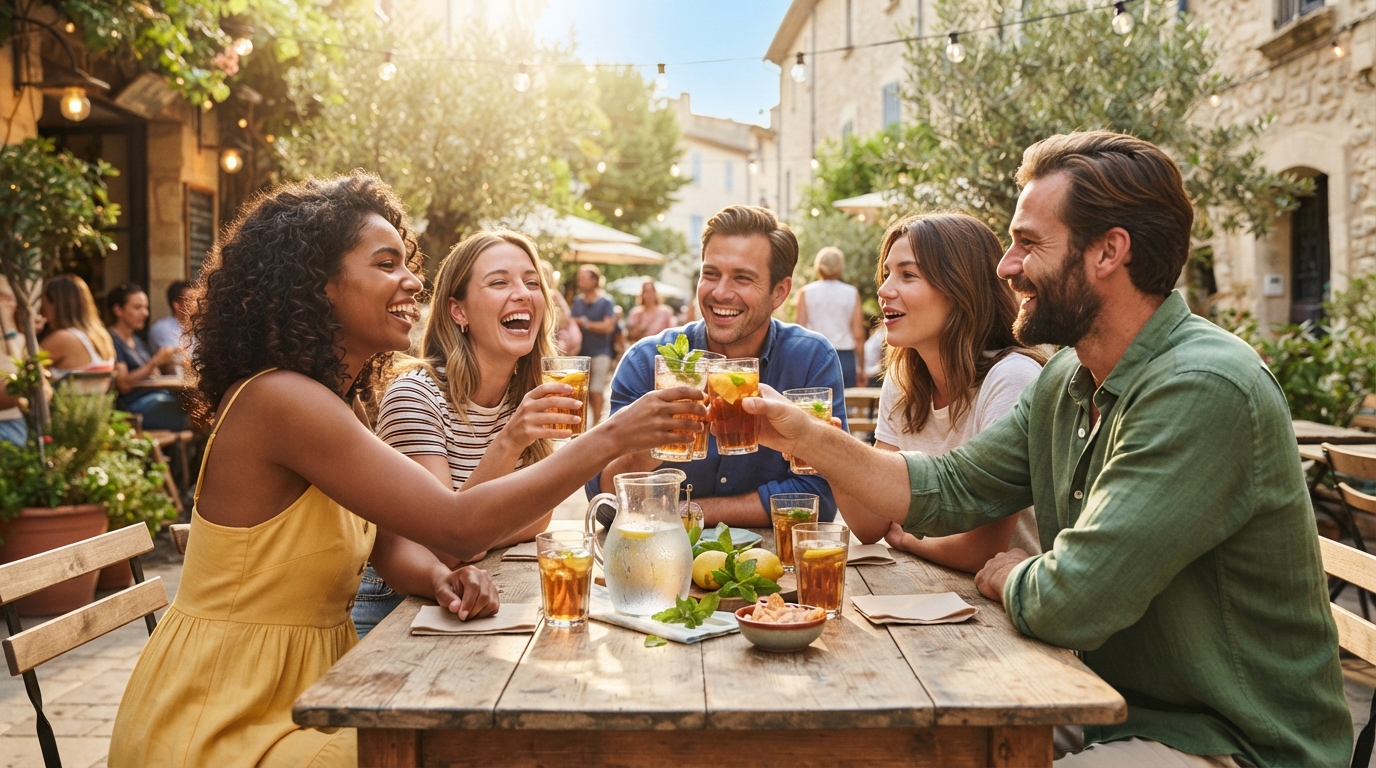
Campaign mood test
Compare a wide lifestyle direction before committing to a fuller production brief.
Use Lite for responsive creative production
It is intentionally positioned for velocity rather than a final, high-resolution production pass.
Social and campaign variants
Test messaging, crops, and visual moods for a placement without waiting on a complex render.
Focused local edits
Try concise changes such as a background, colour, or prop adjustment while preserving the core idea.
Fast creative reviews
Generate enough options for a team to select a direction before investing in a fuller art direction.
Social and campaign variants
Test messaging, crops, and visual moods for a placement without waiting on a complex render.
常见问题
为你解答最关注的问题
What is Nano Banana 2 Lite?
Which resolution does Nano Banana 2 Lite use?
What is it best for?
When should I choose Nano Banana 2 instead?
还有更多问题?我们随时为您提供帮助
Start a fast 1K image pass
Write a concise objective, choose a frame, and use the first outputs to make the next creative decision.